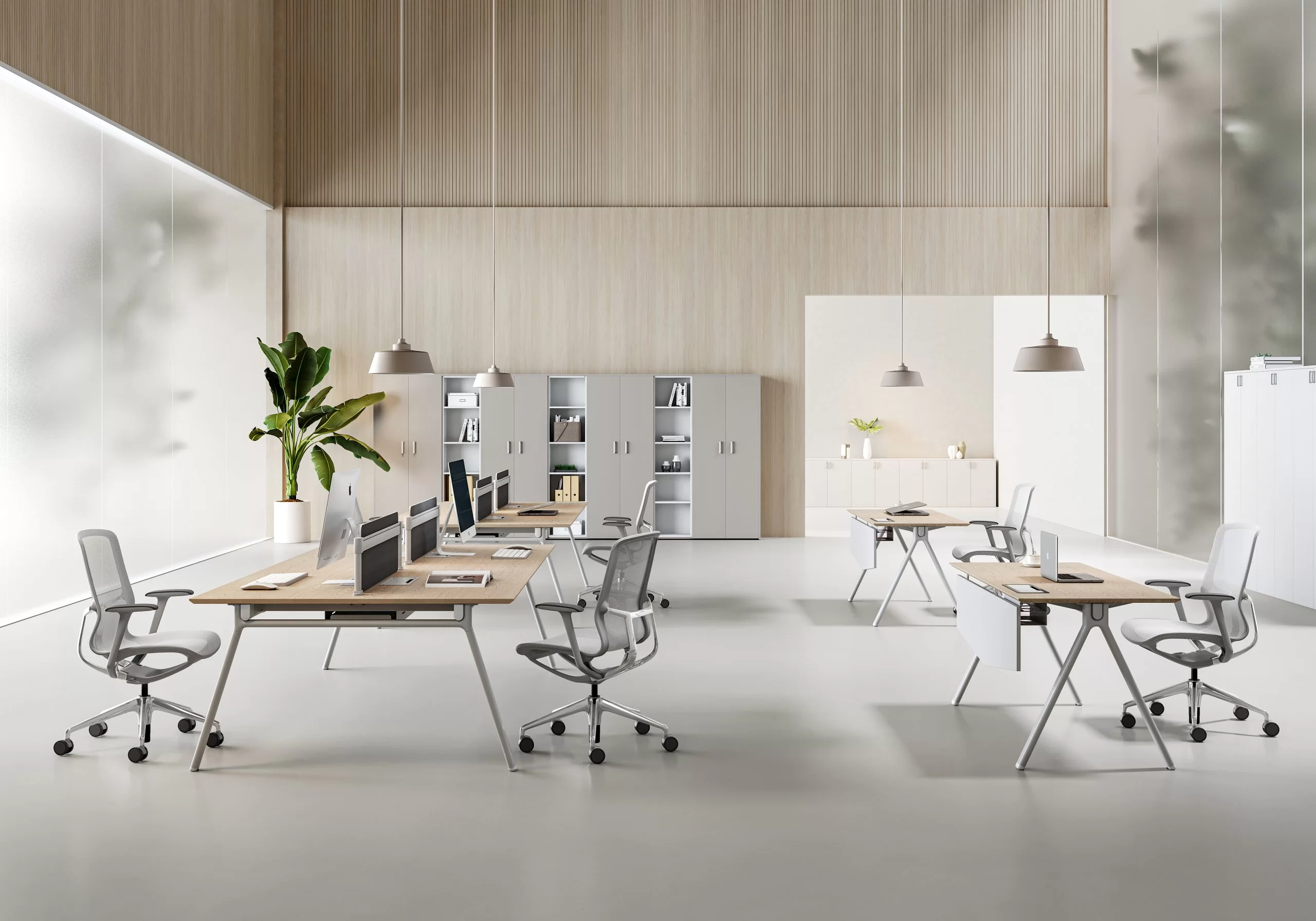

Choosing office chairs for a workspace is not a style decision. It affects comfort, productivity, maintenance workload, and replacement cycles. The fastest way to get the right result is to start with chair types, then match each type to sitting time, workstation height, and the level of adjustability your users actually need.
This guide covers the most common office chair types used in commercial environments: task chairs, ergonomic office chairs, mesh chairs, executive chairs, conference chairs, visitor chairs, drafting chairs, and stools.
Office Chair Types in Commercial Workspaces
Office chair types are best grouped by three factors:
- Daily sitting time: short sessions vs long hours
- Support and adjustability level: basic comfort vs full ergonomic fitting
- Workspace setup: standard desks, high desks, meeting rooms, reception areas
For bulk projects, you will usually get better results by standardizing on a small number of chair types, then adding a limited set of options for roles with longer sitting time or special workstation heights.
Task Chairs for Everyday Desk Work
Task chairs are the default choice for general desk work where users need mobility and reliable basic comfort.
Best-fit use cases
- Standard workstations with mixed usage
- Shared desks and rotating seats
- Call centers and admin roles with moderate sitting time
Key features to specify
- Seat height adjustment range that fits your user group
- Seat cushion comfort and long-term resilience
- Back support shape that fits a wide range of users
- Stable base and caster type matched to your floor surface
- Practical upholstery that is easy to clean for high-traffic areas
When to avoid
- Roles that sit long hours every day and need stronger lumbar support and higher adjustability
Ergonomic Office Chairs for Long Sitting Hours
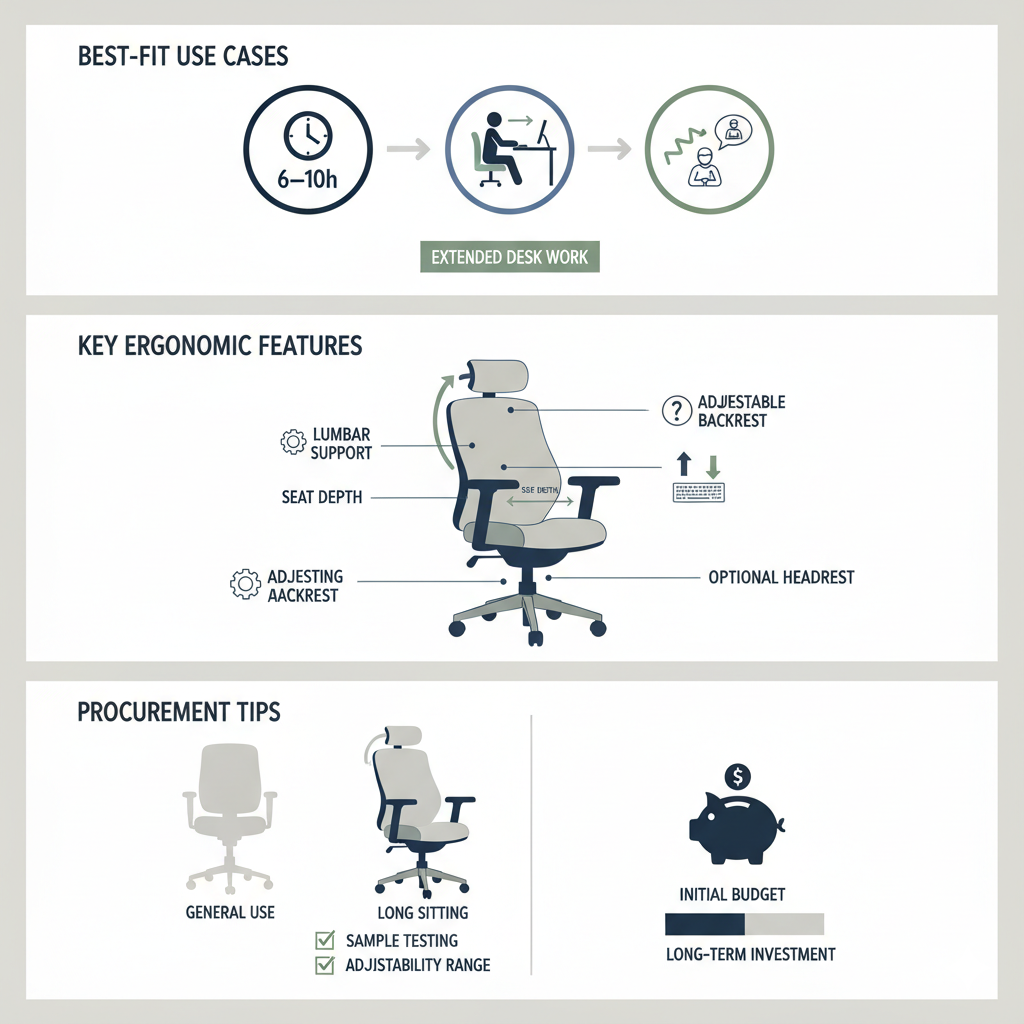
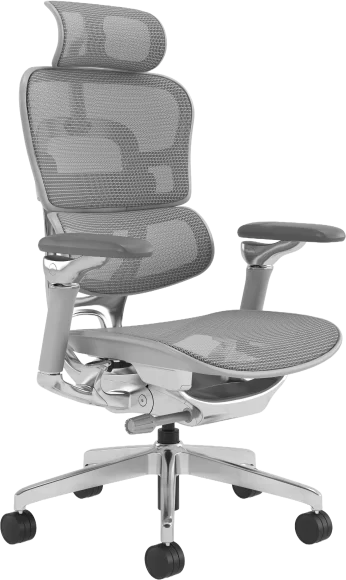
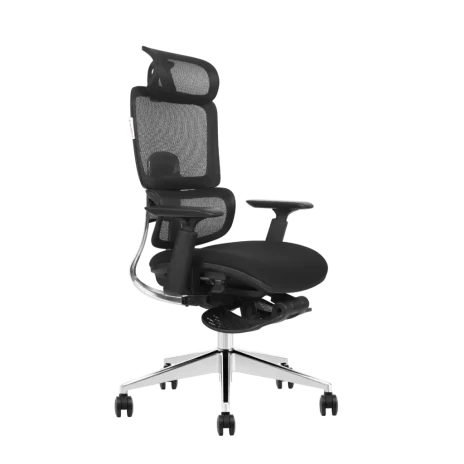
Ergonomic office chairs are built for long-duration seated work. They focus on fit, posture support, and adjustability across different body sizes.
Best-fit use cases
- 6 to 10 hours of daily seated work
- Knowledge workers and long-shift roles
- Workspaces where comfort complaints or fatigue are frequent
Key features to specify
- Lumbar support with meaningful adjustment range
- Seat depth adjustment to fit different thigh lengths
- Armrest adjustment level that supports keyboard work
- Backrest recline and tilt support that encourages movement
- Headrest as an optional configuration, not always mandatory
Procurement tips
- Use a two-tier approach when budgets are tight
Standard task chairs for general seating, ergonomic chairs for long-sitting roles - Always verify adjustability ranges with a sample before committing to a full project
Mesh Chairs for Breathability and Hot Environments
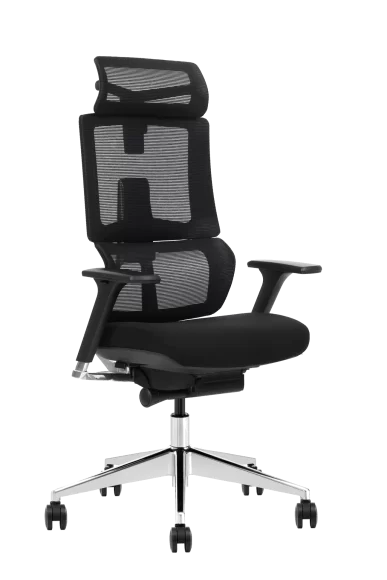
Mesh chairs are popular for airflow and temperature comfort. The key is that not all mesh chairs provide the same support level.
Best-fit use cases
- Warm climates or offices with higher heat load
- Users who prefer a lighter feel and better breathability
- Long sitting hours when the mesh structure is designed for support, not just ventilation
Key features to specify
- Mesh tension that stays supportive over time
- Frame stability and back support structure
- Lumbar design that holds posture without pressure points
- Seat comfort that does not rely on thin foam only
Executive Chairs for Manager Offices
Executive chairs are chosen when appearance, perceived comfort, and a premium feel matter. The risk is selecting a chair that looks substantial but lacks real support for daily work.
Best-fit use cases
- Manager and executive offices
- Client-facing private rooms
- Spaces where a more refined look is part of the environment
Key features to specify
- Support structure in the backrest, not only padding thickness
- Upholstery durability and maintenance plan
- Quiet movement and stable reclining feel
- Consistent finish quality across multiple rooms
Conference Chairs for Meeting Rooms
Conference chairs serve short-to-medium sessions and frequent turnover. They need durability, easy movement, and a clean visual line around a table.
Best-fit use cases
- Meeting rooms and boardrooms
- Training rooms and multi-purpose spaces
- Collaboration zones where chairs are moved often
Key features to specify
- Easy in and out movement based on table clearance
- Materials that handle frequent cleaning
- Mobility strategy that matches the room
Casters for flexible spaces, glides for stability when you need quiet and control - Space planning that avoids crowding at the table edges
Visitor Chairs for Reception and Guest Seating
Visitor chairs are designed for stability, durability, and consistent appearance. They often deliver better long-term value than using spare desk chairs for guest areas.
Best-fit use cases
- Reception areas and waiting rooms
- Guest seating in offices and meeting zones
Key features to specify
- Strong frame stability and safe seating feel
- Scratch-resistant surfaces and easy-clean upholstery
- Consistent look for sets of chairs in public areas
- Weight capacity and durability that match commercial traffic
Drafting Chairs for High Desks and Technical Workstations
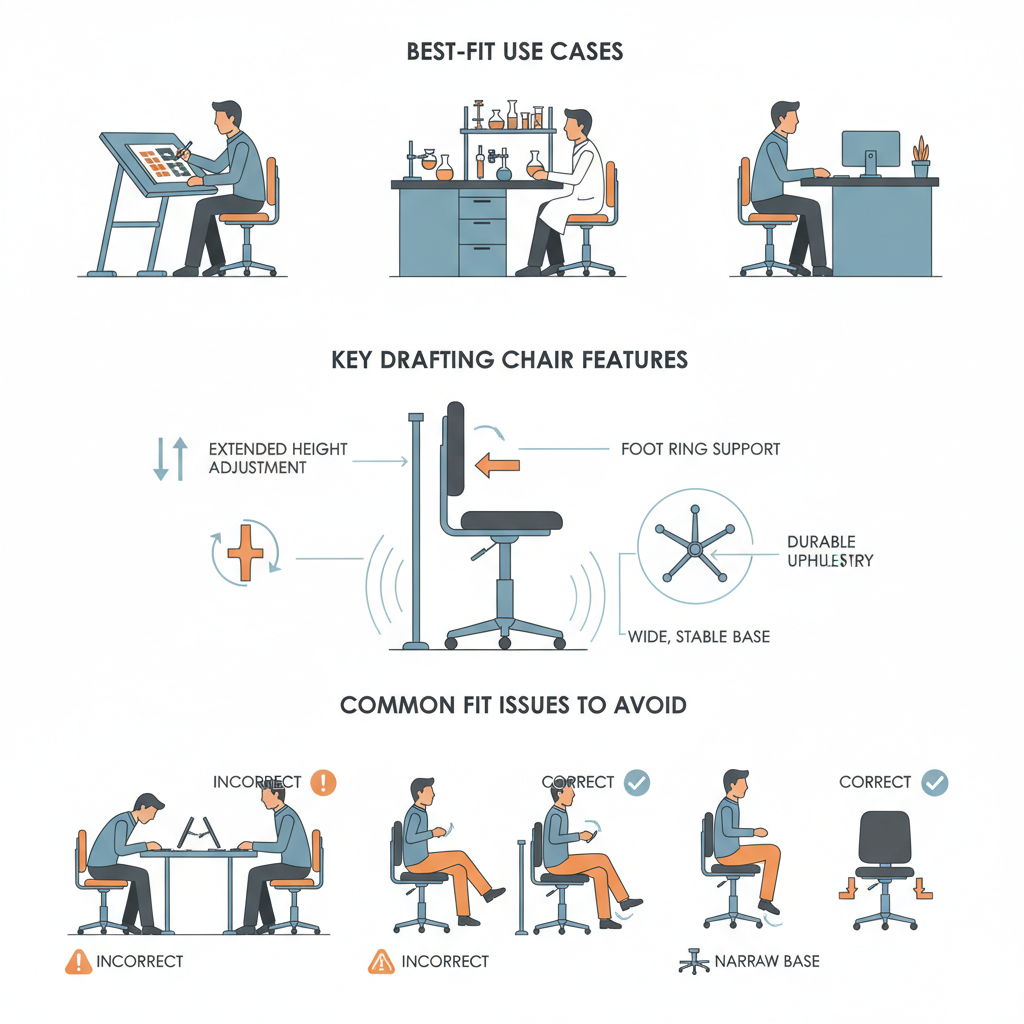
Drafting chairs are the correct solution when the working surface is higher than a standard desk. They are built around extended seat height and lower-body support.
Best-fit use cases
- Design studios and drafting tables
- Labs and technical benches
- Reception counters and high workstations
Key features to specify
- Extended seat height adjustment range
- Foot ring that supports a comfortable leg position
- Stable base design that supports higher seating posture
- Upholstery that can handle heavier daily wear in technical environments
Common fit issues to avoid
- Choosing a drafting chair without matching it to the actual workstation height
- Foot ring position that forces an awkward leg angle and causes fatigue
- Base instability when users shift position at higher seat heights
Stools and Active Seating for Short Tasks
Stools and active seating options can be useful for short tasks and frequent transitions. They are not a replacement for full-time desk chairs.
Best-fit use cases
- Short-duration work and quick touch-down zones
- Work areas where users stand and sit repeatedly
Key features to specify
- Stability and anti-slip base design
- Easy cleaning and durable surfaces
- Compact footprint and movement control
Industry Standards and Testing for Office Chairs
Commercial projects often reference recognized performance standards and test methods to evaluate durability, safety, and ergonomic suitability. If your procurement requires documented performance, include the test standard, the usage profile, and the user range in your RFQ.
- ANSI/BIFMA seating performance standards are widely referenced in commercial furniture procurement for stability, strength, and durability test methods.
- EN 1335 is commonly used in many markets to define office work chair dimensional and safety expectations.
- ISO workstation ergonomics guidance is often used as a reference for posture principles and workstation setup.
Practical note: do not claim certification unless you have the test reports. A safer approach is to specify the standard and confirm testing requirements during sampling.
How to Choose Between Office Chair Types for Bulk Orders
Choose by daily sitting time
- Short sessions and rotating seats: task chairs and conference chairs often fit best
- Long sitting hours: ergonomic chairs or supportive mesh chairs are usually the better choice
Choose by desk height and workstation layout
- Standard desks: task and ergonomic chairs fit the widest range of setups
- High workstations: drafting chairs with foot rings are the correct chair type
Choose by user diversity
- If users vary widely in height and build, prioritize wider adjustability ranges
- Sample test to confirm one configuration fits most users without forcing extremes
Choose by durability and maintenance
- Match materials to traffic level and cleaning routines
- Decide early whether you need replaceable parts and a spare-parts plan
Office Chair Types Comparison Table
| Office chair type | Best for | Support level | Space needs | Maintenance notes | Typical project areas |
| Task chair | Everyday desk work | Basic to mid | Standard | Simple upkeep | Open office, shared desks |
| Ergonomic office chair | Long sitting hours | High | Standard | More adjustment checks | Workstations, long-shift roles |
| Mesh chair | Breathability and comfort | Mid to high | Standard | Check mesh tension durability | Warm climates, long hours |
| Executive chair | Private offices | Mid to high | Larger footprint | Upholstery care matters | Manager offices, client rooms |
| Conference chair | Meeting rooms | Basic to mid | Depends on table | Frequent cleaning | Meeting rooms, training rooms |
| Visitor chair | Reception and guests | Basic to mid | Flexible | High durability needed | Reception, waiting areas |
| Drafting chair | High desks | Mid to high | Taller seating zone | Foot ring and base stability | Labs, counters, technical benches |
| Stool or active seating | Short tasks | Basic | Compact | Easy clean surfaces | Touch-down zones |
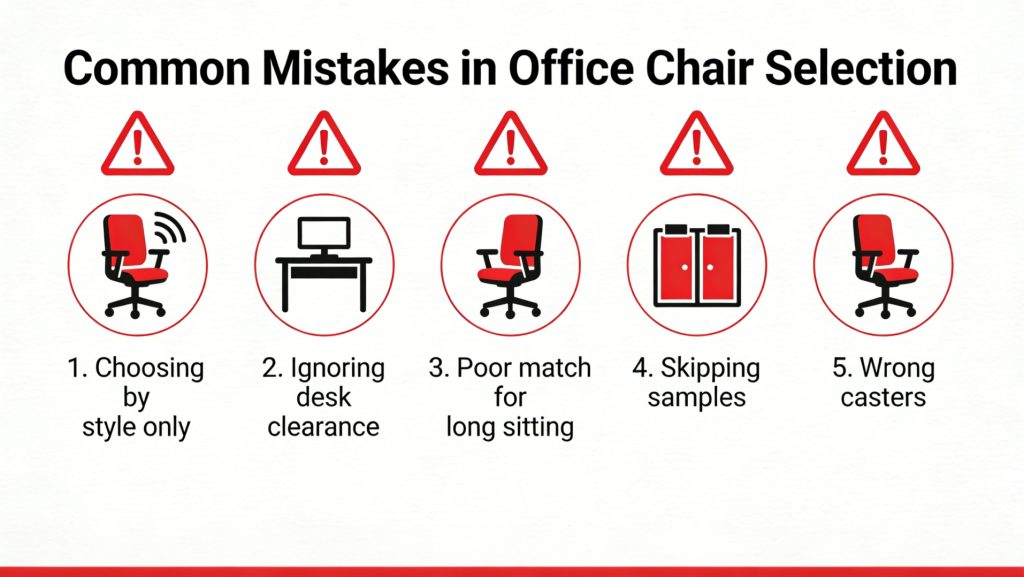
Common Mistakes When Specifying Office Chair Types
- Choosing by appearance instead of usage profile
- Ignoring table clearance and armrest height compatibility
- Using basic task chairs for long sitting roles without enough support
- Skipping sample testing and going straight to bulk production
- Not matching casters to the floor type, causing noise, wear, or safety issues
FAQs About Office Chair Types
What are the main office chair types for commercial offices
Task, ergonomic, mesh, executive, conference, visitor, drafting chairs, and stools. The right choice depends on sitting time, workstation height, and maintenance needs.
What is the difference between a task chair and an ergonomic chair
Task chairs focus on basic comfort and mobility. Ergonomic chairs add higher adjustability and posture support for long sitting hours.
Are mesh chairs good for long hours
They can be, if the mesh structure and lumbar support are designed for long-duration seating. Breathability alone does not guarantee ergonomic support.
What are drafting chairs used for
High desks, lab benches, reception counters, and technical workstations. Key requirements are extended seat height, a stable base, and a comfortable foot ring.
What should be included in an RFQ for office chairs
Chair type, quantity, usage profile, user range, required adjustments, material preferences, floor type, and any referenced test standards.
Conclusion
The best way to choose among office chair types is to treat the chair as part of the overall workstation system. Start by separating spaces by function—workstations, meeting rooms, reception areas, and high workstations—then match each zone to a chair type that fits the expected sitting time and level of support. For most projects, a small core set of chair types is enough to cover the majority of users.
Ergonomic chairs and drafting chairs should be reserved for roles with longer sitting hours or elevated work surfaces. To avoid misalignment later, define adjustment ranges, durability expectations, and any referenced test standards early in the process. This ensures that sampling, bulk production, and final delivery stay consistent with the performance requirements of the project.