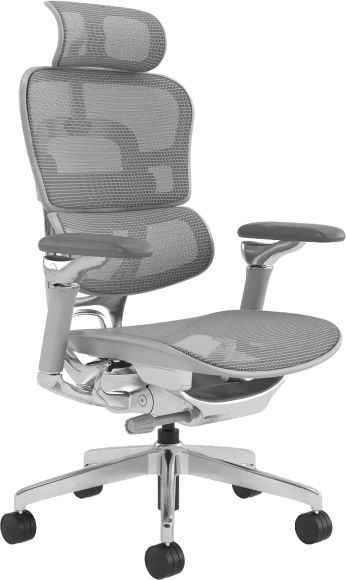
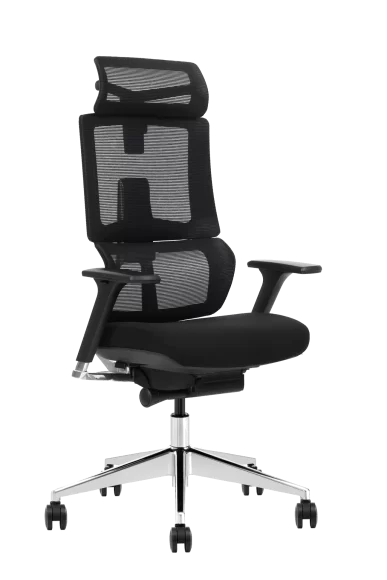
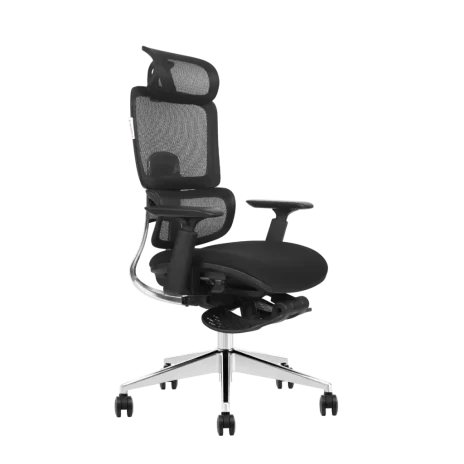
Ergonomic chair advantages extend beyond day-to-day comfort. For offices, call centers, shared workspaces and other high-usage environments, properly selected seating can support healthier posture, reduce sitting-related discomfort and help employees remain focused throughout the working day.
For procurement teams, choosing the right ergonomic office chairs also means considering adjustability, durability and suitability for different body types and job roles. The following five advantages explain why ergonomic seating is an important part of workplace planning.
Ergonomic Chair Advantages at a Glance
| Advantage | Workplace Value |
|---|---|
| Supports natural posture | Helps users maintain a more neutral position through adjustable lumbar, seat and armrest support. |
| Reduces sitting fatigue | Encourages posture changes and reduces pressure during extended periods of desk work. |
| Supports the neck and upper body | High-back designs, headrests and adjustable armrests can reduce unnecessary upper-body load. |
| Improves focus and comfort | More suitable seating can reduce discomfort-related interruptions during demanding tasks. |
| Provides better workplace flexibility | Adjustable chairs can accommodate different users, workstations and job requirements. |
1. Supports Natural Posture and Spinal Alignment
One of the main ergonomic chair advantages is the ability to support the body in a more neutral sitting position. A well-designed chair should help maintain the spine’s natural curve rather than forcing the user into a fixed or unsupported posture.
Features such as adjustable lumbar support, seat height, seat depth, backrest angle and armrests allow the chair to be adapted to the user and workstation. Correct adjustment is especially important because even a highly adjustable chair may provide limited benefit when the seat height or lumbar position is unsuitable.
Businesses can refer employees to a clear guide on how to set the proper office chair height when introducing new seating across a workplace.
2. Improves Circulation and Reduces Sitting Fatigue
Chairs with unsuitable seat depth or height can create pressure behind the thighs, restrict comfortable leg positioning and contribute to fatigue during prolonged sitting. Ergonomic chairs address these issues through adjustable seat dimensions and mechanisms that support small posture changes.
Seat-depth adjustment helps users maintain back support while leaving appropriate space behind the knees. Tilt, swivel and recline functions also make it easier to change position rather than remaining static throughout the day.
These functions should not be treated as a substitute for regular movement. However, they can help create a workstation that supports active sitting and more frequent posture changes.
3. Reduces Neck, Shoulder and Upper-Back Load
Screen-based work, phone use and repetitive desk tasks can place additional load on the neck, shoulders and upper back. Armrests that are too high or too low may cause the shoulders to lift or the arms to remain unsupported.
Adjustable armrests help support the forearms while allowing the shoulders to remain relaxed. For users who need additional upper-body support, high-back office chairs may also include taller backrests and adjustable headrests.
Headrests are not essential for every desk task, but they can be useful for executive workstations, conference settings and roles that involve reclining or extended periods of seated work.
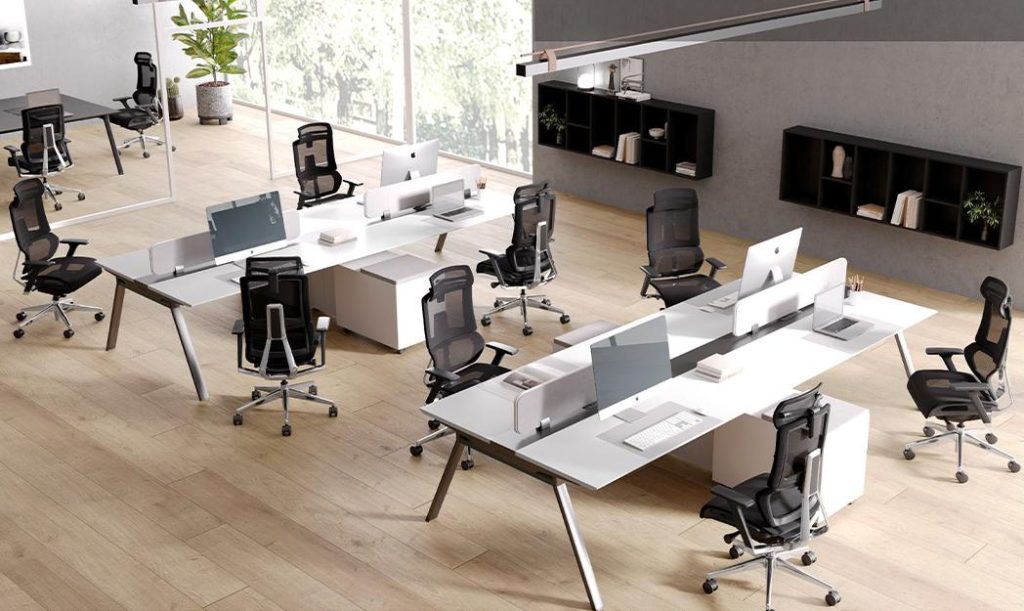
4. Supports Focus and Workplace Productivity
Discomfort can interrupt concentration and cause employees to repeatedly shift position, stand up or adjust an unsuitable workstation. A chair that fits the user more effectively can reduce these interruptions and support more consistent comfort during focused tasks.
The relationship between seating and productivity should not be overstated, because workplace performance also depends on workload, desk setup, lighting, breaks and management practices. Nevertheless, suitable seating is an important part of a well-planned ergonomic workstation.
For businesses purchasing chairs in volume, the goal should be to provide an appropriate range of adjustments rather than selecting a single fixed chair based only on appearance or initial price.
5. Accommodates Different Users and Workplace Roles
Modern workplaces often include employees with different body sizes, working habits and job requirements. A chair suitable for an executive office may not be the best choice for a call center, meeting room or shared workstation.
Multi-adjustable ergonomic chairs provide greater flexibility across departments and changing seating arrangements. Useful adjustment options include:
- Adjustable seat height and seat depth
- Height-adjustable or depth-adjustable lumbar support
- 2D, 3D or 4D adjustable armrests
- Multiple tilt-locking positions
- Adjustable headrests for selected roles
- Suitable seat dimensions for the intended user group
This flexibility is particularly valuable for hot-desking, hybrid offices and workspaces where several people may use the same chair at different times.
How to Choose Ergonomic Chairs for a Workplace
Not every chair marketed as ergonomic provides the same level of support. Procurement teams should evaluate the chair as a complete system rather than focusing on one feature such as a headrest or lumbar pad.
Important selection criteria include:
- User range: Confirm whether the chair dimensions and adjustments suit the expected body-size range.
- Seat adjustment: Check seat height, usable depth and whether a sliding seat is required.
- Lumbar support: Evaluate its height, depth and ability to maintain contact with the lower back.
- Armrest adjustment: Ensure the armrests support different desk heights and working positions.
- Tilt mechanism: Consider recline range, tension control and locking positions.
- Material and ventilation: Select mesh, fabric, foam or other upholstery according to climate, cleaning and usage requirements.
- Durability and testing: Review the applicable test standards, component specifications and available test documentation.
- Commercial requirements: Confirm customization options, minimum order quantity, packaging and delivery arrangements.
For additional product-selection guidance, see our guide to choosing the right ergonomic chair.
Standard Office Chair vs. Ergonomic Office Chair
| Consideration | Basic Office Chair | Ergonomic Office Chair |
|---|---|---|
| Seat adjustment | Usually limited to seat height | May include height, depth and tilt adjustment |
| Lumbar support | Fixed or minimal | Fixed, height-adjustable or depth-adjustable options |
| Armrests | Fixed or unavailable | Often available in multiple adjustment levels |
| User suitability | May suit a narrower range of users | Can accommodate a broader range when properly specified |
| Workplace application | Suitable for shorter or less demanding use | Better suited to extended and adjustable workstations |
Frequently Asked Questions
Do ergonomic chairs eliminate back pain?
No. An ergonomic chair can support posture and reduce avoidable sitting strain, but it cannot diagnose, treat or eliminate every cause of back pain. Proper adjustment, workstation setup and regular movement remain important.
Can one ergonomic chair fit every employee?
No single chair fits every user. However, a chair with suitable seat dimensions and multiple adjustment options can accommodate a broader range of employees than a fixed chair.
Which ergonomic features are most important?
Seat height, seat depth, lumbar support, armrest adjustment and a suitable tilt mechanism are usually more important than decorative features.
Should businesses replace all office chairs at once?
This depends on budget, chair condition and workplace priorities. Some businesses begin with full-time desk roles or high-usage departments before expanding the replacement program.
Conclusion
The main ergonomic chair advantages are improved postural support, reduced sitting fatigue, better upper-body support, more consistent workplace comfort and greater flexibility across different users and job roles.
For commercial buyers, the best results come from matching chair dimensions and adjustment features to the intended workplace rather than selecting a model based only on appearance. A properly specified ergonomic chair can become a practical part of a healthier, more adaptable and more productive working environment.