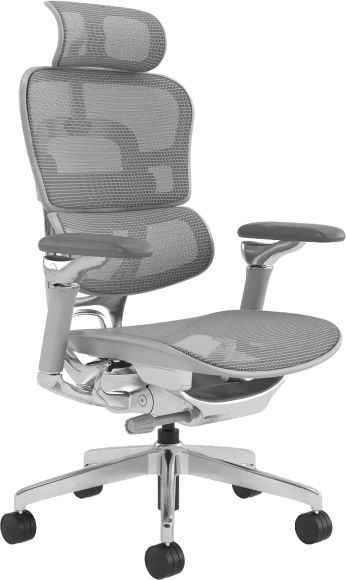
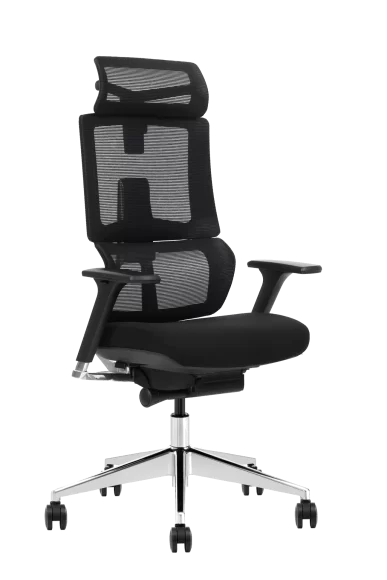
Workplace ergonomics starts with seating — understanding desk chair dimensions and ergonomic height is the foundation before evaluating any other chair feature for your workstation. The importance of ergonomics in the workplace goes beyond comfort. When workstations force awkward postures or long reach distances, performance becomes inconsistent and discomfort builds over time. OSHA describes ergonomics as fitting a job to a person, and links it to reduced muscle fatigue and fewer work-related musculoskeletal disorders.
This article explains why ergonomics matters in real workplaces, which setups create the most problems, and what practical improvements make the biggest difference. It stays focused on actions you can take in offices, meeting areas, and high workstations where the wrong chair and desk height pairing is a common cause of strain — including how office chairs with footrest support lower-body posture during extended reclined rest periods.
Ergonomics matters because work design creates hidden strain
Most ergonomic problems are not dramatic. They show up as shoulder tension, wrist irritation, lower back stiffness, and end of day fatigue that becomes normal. Those early symptoms matter because they often signal exposure to known risk factors such as awkward posture, repetition, force, and prolonged static positioning. NIOSH explains ergonomics as designing work tasks to suit workers’ capabilities and reducing or eliminating work related musculoskeletal disorders and other injuries.
A practical way to think about workplace ergonomics is to treat it as a work design check. If a task requires long hours at a computer, the setup should support neutral posture and frequent micro changes in position. If the task requires higher work surfaces, the seating and foot support system should match that height so workers do not perch or shrug shoulders for hours.
Poor ergonomics affects more than comfort
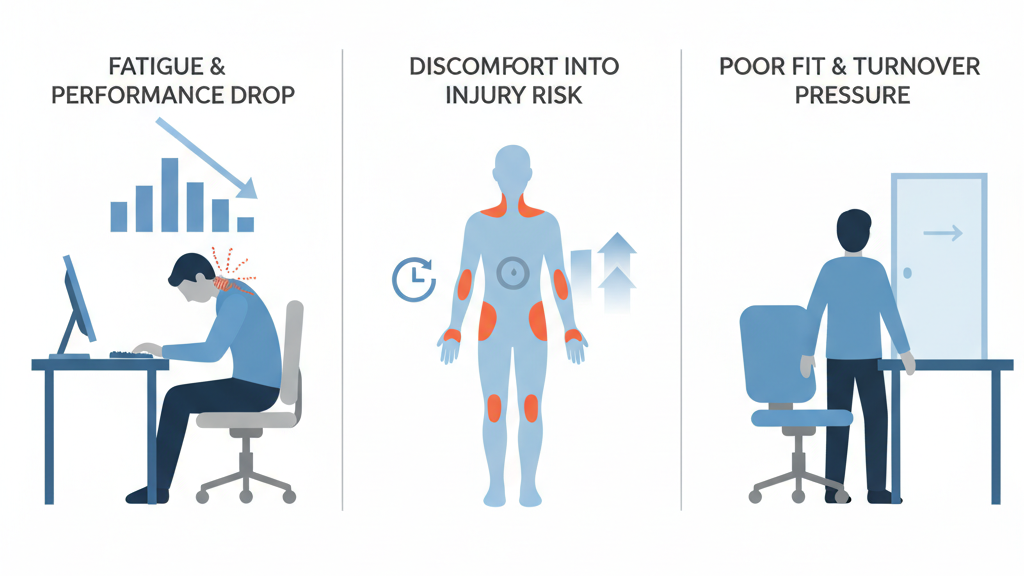
Fatigue reduces consistency
When a setup forces the body to hold tension, attention drops and output becomes uneven. This is common in computer work when the monitor is too low, the keyboard is too far, or arm support is missing.
Discomfort increases injury risk over time
Oregon OSHA notes that fatigue, discomfort, and pain can be early signs of a musculoskeletal disorder, and MSDs can develop over time from overload and repeated exposure.
That is why ergonomics is often most valuable when it prevents problems before they become medical cases.
Poor fit increases turnover pressure
In many offices, people blame themselves for discomfort instead of blaming the setup. Over time, dissatisfaction grows and retention becomes harder, especially for roles that sit for long hours.
Office work ergonomics that actually changes outcomes
For computer based work, the biggest improvements usually come from simple alignment changes, not complicated equipment.
Chair height and foot support
An ergonomic chair setup starts with stable foot support and a seat height that keeps thighs relaxed without pressure behind the knees. When feet are not supported, people slide forward or perch, which reduces back support effectiveness.
Seat depth that fits real users
If seat depth is too long, workers sit forward and lose back support. If it is too short, thighs lack support and fatigue increases. Seat depth adjustment is a practical feature for shared workstations.
Arm support that reduces shoulder load
Armrests are useful when they can be positioned so shoulders stay relaxed and elbows remain close to the body. Poorly placed armrests can create the opposite effect by forcing shrugging.
Monitor height and viewing distance
If the monitor is too low, the neck stays flexed. If it is too close, people lean back or forward repeatedly. Correct placement reduces unconscious posture compensation.
NIOSH ergonomics guidance emphasizes reducing workplace risk factors through program based improvements rather than relying on one time fixes.
High workstations need drafting height ergonomics not office chair workarounds
High work surfaces are one of the fastest ways to create neck and shoulder pain because the body compensates when the chair cannot reach the working height. A common pattern is perching on the chair edge, raising shoulders, and leaning forward to see or reach.
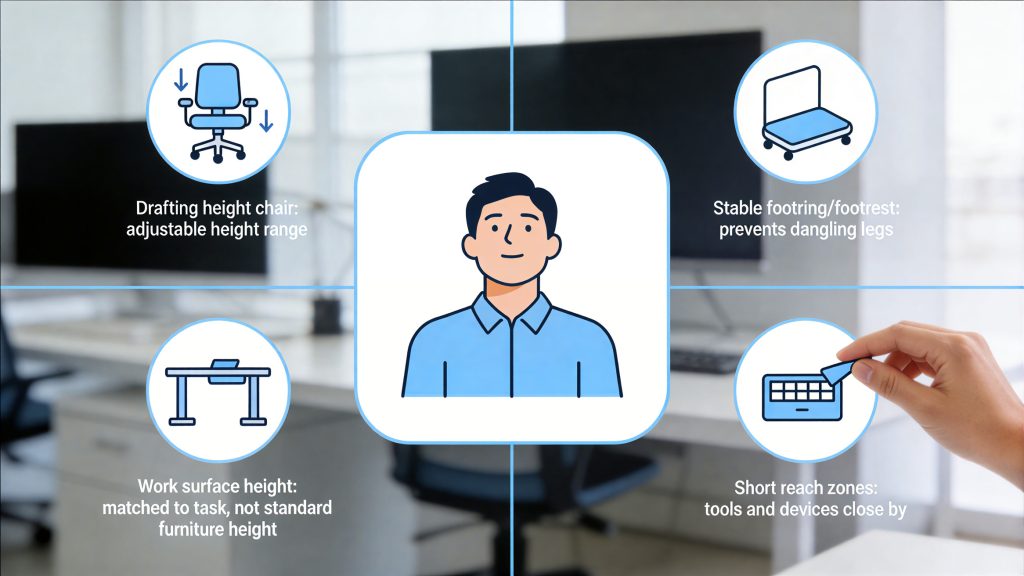
A more ergonomic setup for high workstations includes:
- A drafting height chair with sufficient height range
- A stable footring or footrest so legs do not dangle
- A work surface height that matches the task, not just the furniture standard
- Short reach zones so tools and devices stay close
Vaseat’s own product range includes drafting desk chair configurations designed for higher counters and service desks, which fits this use case when high surfaces are part of the workplace layout.
Meeting rooms and shared spaces need fast adjustability
Meeting rooms often fail ergonomics because they are treated as short duration spaces, but many meetings last hours. Shared spaces also need quick adjustments because users vary.
Practical improvements for shared seating areas:
- Simple height adjustment that works smoothly
- Back support that holds posture without forcing one rigid position
- A seat design that supports a range of body sizes without pressure points
This is also where durability matters. For project seating, the goal is not maximum features. The goal is consistent fit for many users and low maintenance performance across years.
The ergonomic approach that works in real workplaces
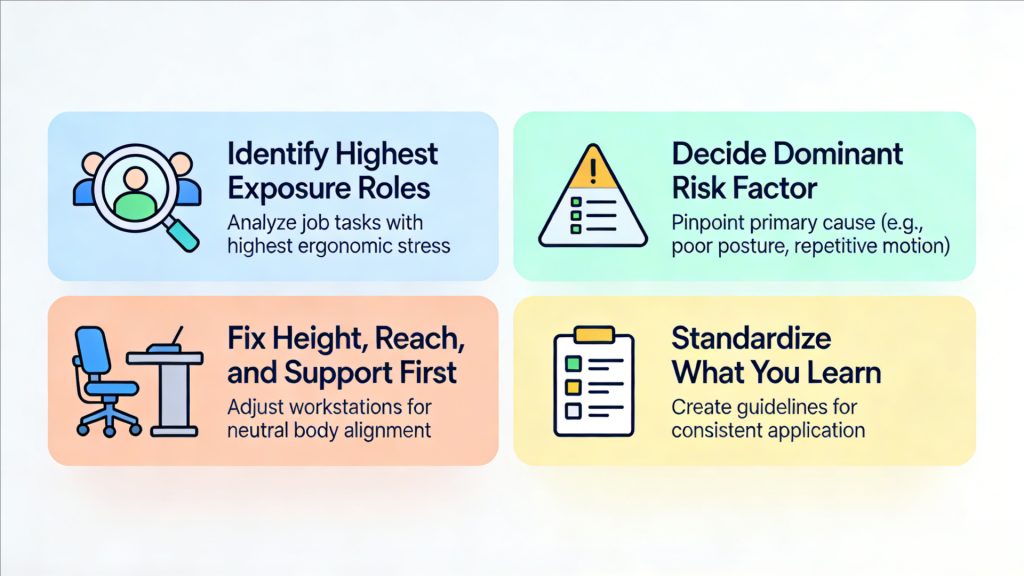
You can implement ergonomics without turning it into a complex initiative. Use a clear sequence.
Step 1 Identify the highest exposure roles
Start with roles that sit for long hours, use computers continuously, or work at non standard surface heights. NIOSH provides guidance on identifying risk factors and screening for where risk is highest.
Step 2 Decide the dominant risk factor
For each role, choose the main driver:
- Awkward posture
- Long duration without recovery
- Repetition
- Force
This prevents random purchases that do not change the real cause.
Step 3 Fix height, reach, and support first
The highest ROI changes are usually:
- Bringing work closer
- Raising or lowering screens and tools
- Adjusting seating and foot support
- Reducing sustained shoulder elevation
Step 4 Standardize what you learn
Once a setup works, document it. A short internal guide is often enough:
- How to set seat height and seat depth
- Where the monitor should land
- When to use drafting height seating
OSHA’s ergonomics overview supports the same principle of fitting the job to the person to reduce fatigue and MSDs.
FAQs
What does ergonomics mean in the workplace
Ergonomics is designing work tasks and workstations to suit workers’ capabilities, which can reduce or eliminate work related musculoskeletal disorders and improve safety.
Why is ergonomics important for office workers
Because long duration computer work increases exposure to posture and repetition risks. A better setup reduces fatigue and helps people maintain consistent performance through the day.
Is an ergonomic chair enough to fix poor ergonomics
Not always. If monitor height, keyboard reach, and work surface height are wrong, discomfort can continue even with a better chair. Ergonomics works best as a workstation system.
How do I handle ergonomics for high counters and drafting work
Use a drafting height seating solution with stable foot support and match it to the working height so shoulders can stay relaxed and reach distances remain short.
What are early signs a workstation needs ergonomic changes
Fatigue, discomfort, and pain that repeat during work can be early warning signs, and they should trigger a review of posture and exposure drivers.
Conclusion
Ergonomics matters because work design directly shapes fatigue, focus, and long term injury risk. When a workstation forces awkward posture or poor height matching, people compensate all day and the cost shows up as discomfort first and avoidable MSD risk later.
The most effective ergonomic improvements start with task reality. Identify the roles with the longest exposure, fix height and reach issues first, then choose seating that matches the work surface and supports a range of users, including drafting height needs where applicable. Treat ergonomics as part of workplace setup standards, and it will stay effective as teams and spaces change.