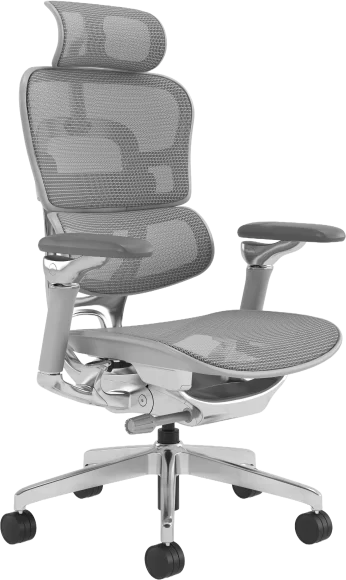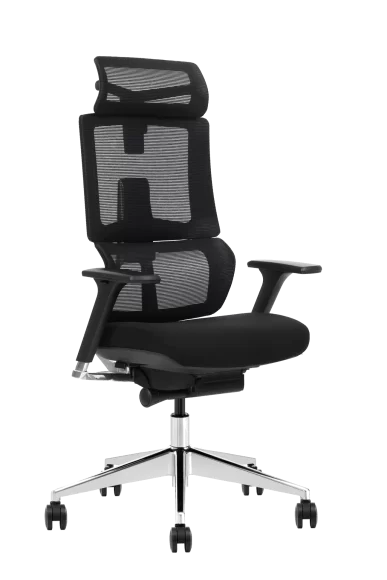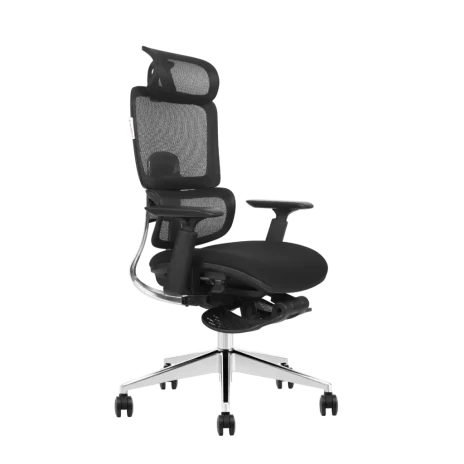

Buying an office chair is not about picking the most expensive model or the one with the most controls. The right chair is the one that fits your body, your desk setup, and the number of hours you actually sit — for businesses sourcing wholesale desk chairs, these criteria apply at scale.
If you are searching for what to look for in an office chair, this guide turns the decision into clear checks you can use in minutes, not days.
A 60-Second Office Chair Fit Test Before You Buy
Use this quick test to eliminate chairs that look good but will not fit you.
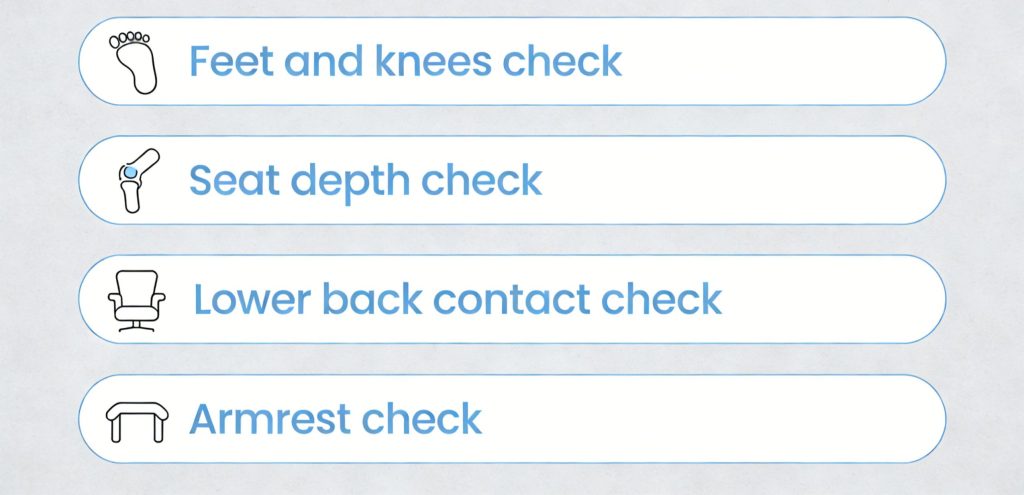
- Feet and knees check
Sit all the way back. Your feet should be flat on the floor and your knees should be level with or slightly lower than your hips. - Seat depth check
You should have a small gap between the front edge of the seat and the back of your knees. If the seat presses into the back of your legs, it is too deep. - Lower back contact check
The chair should support the natural curve of your lower back without forcing you forward. - Armrest check
Rest your forearms while keeping shoulders relaxed. If your shoulders lift, armrests are too high. If armrests stop you from getting close to the desk, they are too wide or poorly shaped.
If a chair fails any two checks, keep shopping. It will not magically become a good fit later.
Seat Height Adjustment That Matches Your Desk
Seat height is the foundation of a comfortable setup. When seat height is correct, everything else becomes easier: back support lines up, arms relax, and circulation improves.
What to check
- Height range that allows feet flat on the floor
- Stable feel at both the lowest and highest positions
- Easy adjustment while seated
A chair that sits too high leads to dangling feet and thigh pressure. Too low often causes rounding of the lower back and extra load on the hips.
Lumbar Support That Actually Fits Your Lower Back
Your lower back naturally curves inward. Good lumbar support fills the gap between your lower back and the backrest so you do not collapse into a slouch — a feature built into our adjustable standing desk chair, designed for use at drafting tables and elevated workstations.
Look for
- Adjustable lumbar height, not just firmness
- Support that feels present but not aggressive
- Consistent contact when you sit back fully
If the lumbar support is in the wrong position, it can feel uncomfortable even if it is technically “included.” Adjustable placement is what matters.
Seat Depth That Fits Your Leg Length
Seat depth is one of the most common reasons people feel discomfort after long sessions. If the seat is too deep, you will slide forward and lose back support. If it is too short, you lose thigh support and feel pressure points.
Correct fit
- A small clearance behind the knees
- Seat slide adjustment if multiple people will use the chair
- Support under most of the thighs without pushing into the knee area
This is a must-check feature, especially for shorter or taller users.
Backrest Recline That Encourages Movement
Static sitting increases load on the spine over time. Recline helps you change posture without losing support.
What to look for
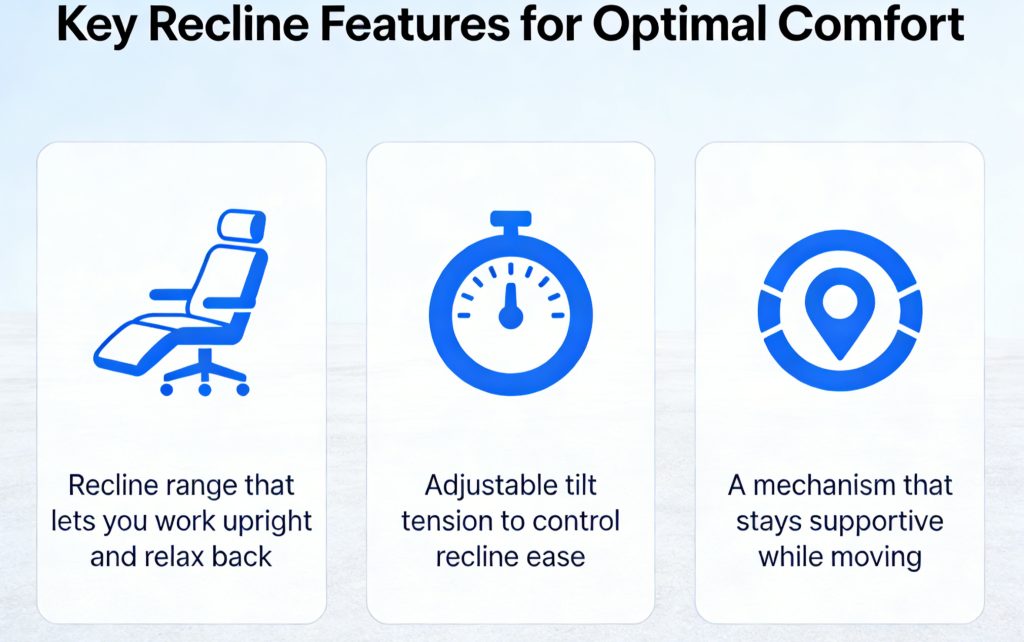
- A recline range that lets you work upright and relax back
- Adjustable tilt tension so you can control how easily it reclines
- A mechanism that stays supportive while moving
A chair should move with you. If you must fight the chair to recline or it drops too easily, you will avoid using the feature.
Tilt Tension and Control That Feel Natural
Recline range is only half the story. Tilt tension is what makes recline usable for your body weight and work style.
What to check
- Tension adjustment that can be dialed in, not just on or off
- Smooth movement without sudden tipping
- A lock option if you prefer a fixed upright position for focused tasks
For long sitting hours, a supportive recline mechanism often matters more than a fancy headrest.
Armrests That Reduce Shoulder Load Without Blocking Your Desk
Armrests should help your shoulders relax by supporting part of your arm weight. But poorly designed armrests create new problems: shrugged shoulders, wrist angle issues, and limited desk access.
Best options
- Height-adjustable armrests
- Pads that are comfortable and not slippery
- Enough adjustability to sit close to your desk
If armrests force your shoulders up, they are working against you. If they stop you from pulling in, they reduce the quality of your working posture.
Seat Cushion Support That Holds Up for Hours
A seat can feel great in the first five minutes and still be painful after five hours. Long-term comfort depends on how the cushion supports you over time.
What to look for
- Medium-firm support that rebounds instead of flattening
- Even support that does not create pressure points
- A waterfall-style front edge that reduces pressure under the thighs
Avoid overly soft seats that bottom out. They often encourage slouching and increase fatigue.
Breathable Materials That Keep You Comfortable Longer
Heat buildup is a silent comfort killer. Many people shift and slouch simply because they are hot, not because the chair lacks features.
Material considerations
- Mesh back for airflow in warm rooms
- Breathable fabric seat for long sessions
- Surfaces that do not trap heat or feel sticky
Breathability is especially important if you sit for long hours or live in a warmer climate.
Stable Base and Casters That Match Your Floor
Stability affects comfort and confidence. A chair that wobbles or rolls unpredictably makes you brace with your body, which increases tension.
Check for
- Five-point base for stability
- Casters designed for your floor type
- Smooth rolling without sudden stops or sideways drift
Choose chair wheels based on whether you use carpet, hard floors, or mats. The wrong casters can ruin an otherwise good chair.
Size, Weight Rating, and Real-World Fit
Office chairs are not one-size-fits-all. Even great chairs feel wrong when the seat width, backrest height, or weight capacity does not match the user.
Fit considerations
- Seat width that supports you without squeezing
- Backrest height that supports your shoulder blades
- Weight capacity that matches the actual user, not the average buyer
If a chair fits your body, you will use its features properly. If it does not, you will compensate with posture, and discomfort returns.
Feature Priority: What Matters Most for Your Situation
Use this to decide what you should prioritize based on how you work.
| Your situation | Prioritize these features | Avoid this mistake |
| 6–10 hours daily sitting | Adjustable lumbar, seat depth, tilt tension, breathable back | Choosing a very soft seat with weak support |
| Under 3 hours per day | Reliable height adjust, basic lumbar support, stable base | Paying for complex controls you will not use |
| Warm climate or hot office | Mesh back, breathable seat fabric | Choosing surfaces that trap heat |
| Tight desk clearance | Adjustable or low-profile armrests | Fixed arms that block you from sitting close |
| Shared workstations | Wide range seat height and seat depth adjustment | Buying a single-size chair that fits no one |
Common Mistakes When Buying an Office Chair
Most discomfort comes from fit problems, not from “bad products.”
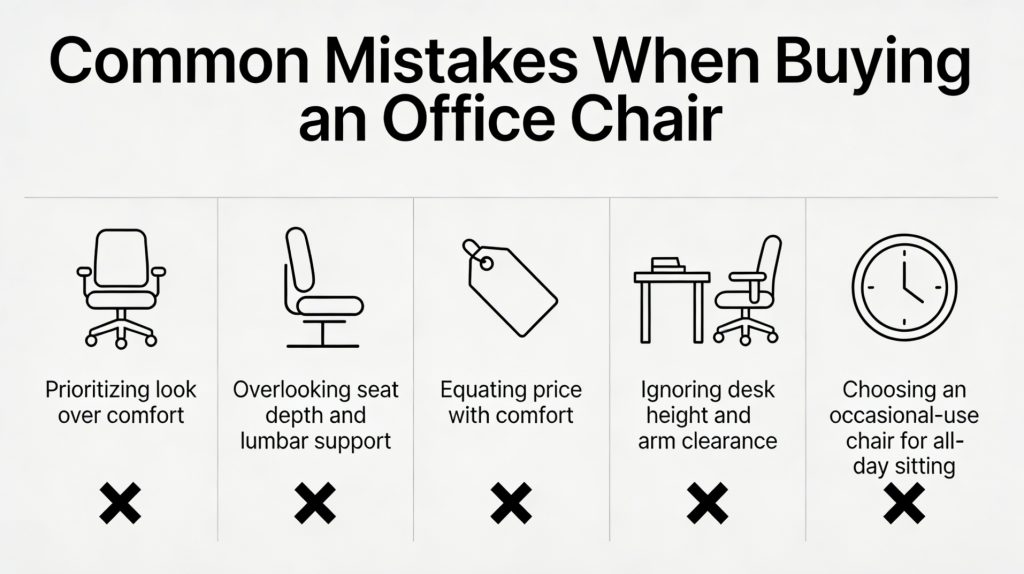
- Choosing appearance over adjustability
- Ignoring seat depth and lumbar placement
- Assuming price automatically equals comfort
- Buying without considering desk height and arm clearance
- Selecting a chair for occasional use when you actually sit all day
A chair should match your body and your work pattern. If it does not, no feature list will fix it.
FAQs About Choosing an Office Chair
Do I really need lumbar support?
If you sit for long hours, lumbar support helps you maintain a neutral lower-back position. Adjustable lumbar support is often the safest choice because people differ in height and spinal shape.
What is the most overlooked feature?
Seat depth. If the seat is too deep, you will slide forward and lose proper back support even with a good backrest.
Are armrests optional?
They are optional if they get in the way. They are helpful when they let your shoulders stay relaxed and still allow you to pull close to your desk.
How do I know if a chair is good for long sitting?
If it passes the 60-second fit test and you can maintain a supportive posture while moving between upright work and light recline, it is likely a strong candidate for long sessions.
Final Thoughts
When deciding what to look for in an office chair, focus on fit, adjustability, and long-session support. The best chair is not the one with the most features. It is the one that lets you sit with feet supported, lower back supported, shoulders relaxed, and posture changing naturally through the day.