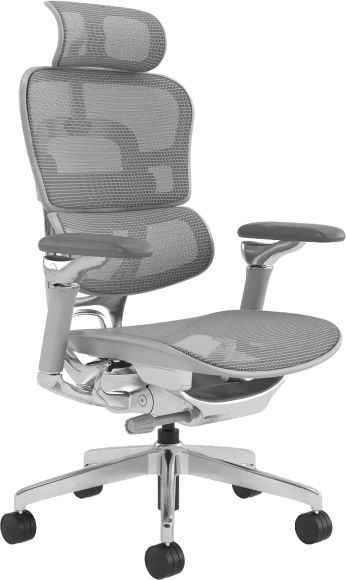
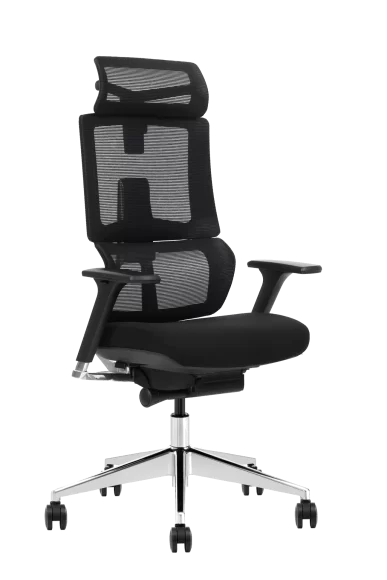
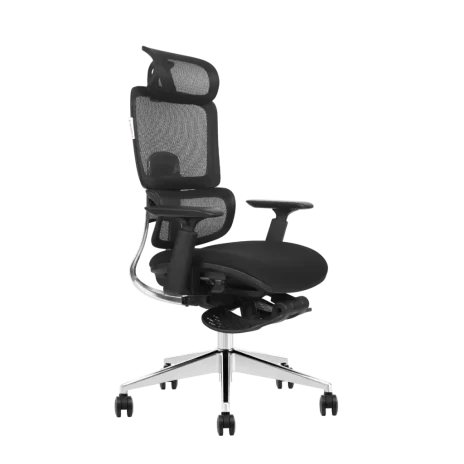
Office chair audit checklist planning should start in Q3 — not Q4 — by walking the floor with a printed checklist that scores each chair on five things: gas lift stability, mechanism function, upholstery condition, caster wear, and armrest integrity. Flag any chair older than seven years or showing two or more failures for replacement, then bundle those numbers into your Q4 capital budget request before purchasing freezes hit. Done right, the whole audit takes a single afternoon for every 100 workstations and saves you from the panicked, overpriced reorders that hit every January.
Why Q3 Is the Real Deadline for a Q4 Seating Audit
Most facilities managers wait until October to think about chairs. By then, the chairs that are going to fail this year have already failed — and you’re scrambling for emergency replacements at retail prices.
Run your audit in August or early September instead. That gives you six to eight weeks to compile findings, get quotes, negotiate with suppliers, and submit a capital request before Q4 budget meetings lock in. Manufacturers also tend to offer better lead times before the year-end procurement rush — Chinese New Year shipping cutoffs in late January can push delivery into March if you order in December.
For instance, a 200-seat fintech office we worked with audited in September 2025 and identified 34 chairs at end-of-life. Because they ordered in early October, the replacements landed before Christmas. A competitor down the hall ordered the same chairs in late November and didn’t see them until mid-February — meanwhile their staff were sitting on broken gas lifts.
Step 1: Build Your Office Chair Audit Checklist Spreadsheet
You can’t audit what you can’t count. Start with a simple spreadsheet — chair ID (a sticker under the seat works), location, model, purchase date, and warranty status.
If your previous facilities lead didn’t keep records, you’ll need to reverse-engineer the inventory. Flip a chair over and check the manufacturer label. Most office chairs carry a date of manufacture code — usually the year and month in a two- or four-digit format. Office chair replacement timing typically runs 7–10 years for commercial-grade seating, so anything older than 2018 is already a candidate for retirement.
Group chairs by department too. Call centers, customer support, and dev teams sit longer than marketing or HR. A chair in a 24/7 support pod racks up triple the cycles of one in a meeting room.
Step 2: The Five-Point Physical Inspection
Here’s the part most audits get wrong: people inspect chairs while sitting in them. Don’t. Stand up, lift the chair, and look underneath. That’s where the failures live.
1. Gas Lift
Push the chair down with your full body weight, release the height lever, and time how long it holds. A healthy gas cylinder holds indefinitely. A dying one drops within 30 seconds. A dangerous one hisses — and that’s a flag for immediate replacement because of gas cylinder failure risks.
2. Mechanism
Test every tilt lock, every recline tension knob, every height position. If a synchro-tilt won’t lock at 110°, the user is sitting in a chair that fights them all day. Learn what’s inside by reading our breakdown of chair mechanisms.
3. Upholstery & Mesh
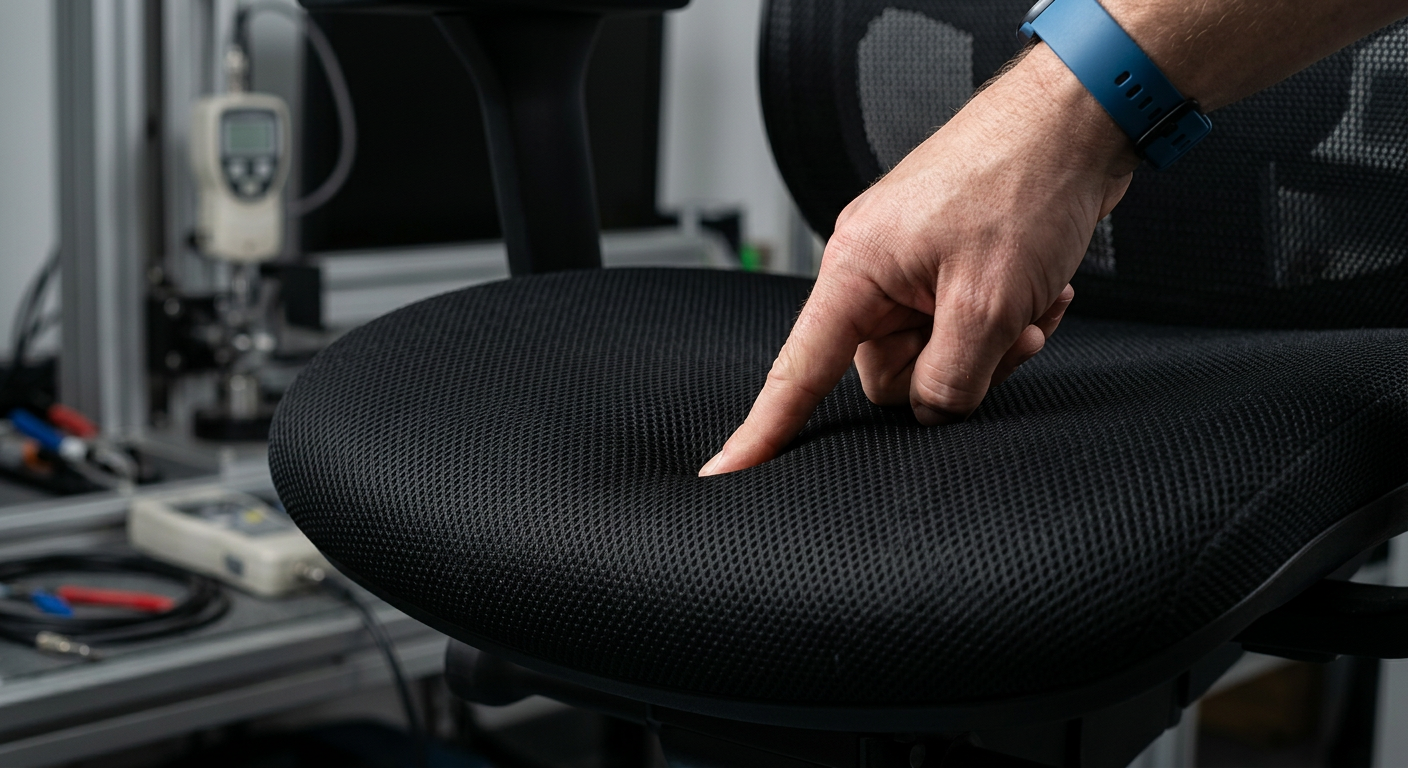
Press your palm into the seat. Foam should rebound within two seconds. If your fingerprint stays, the foam is done. For mesh, check the front edge — that’s where weaves fail first under thigh pressure.
4. Casters
Roll the chair across both carpet and hard floor sections. Bad casters chew up flooring and create OSHA-style trip hazards. Replacement casters are $3–$8 each — don’t junk a chair over them.
5. Armrests
Push down hard on each armrest. Then push sideways. Wobble at the base means the screw threads inside the seat pan are stripped — usually unfixable without a new shell.
Step 3: Score Each Chair with a Pass / Watch / Replace System
Don’t try to remember what you saw. Score every chair on the spot using a three-tier system. The table earlier in this article gives you the criteria — use it as your scoring rubric.
A “Watch” chair gets re-inspected in six months. A “Replace” chair gets a red dot sticker on the back so users know it’s slated for swap. Two or more “Replace” flags on a single chair? Pull it from service immediately. The cost of a worker’s comp claim from a broken gas lift dwarfs the cost of any chair.
Step 4: Survey the People Actually Sitting in the Chairs
Your eyes catch hardware failures. Employees catch comfort failures — and the latter cost more in lost productivity. Send a 4-question survey to every desk worker the same week you do the physical audit:
- How many hours per day do you sit in your chair?
- Do you experience back, neck, or shoulder discomfort by mid-afternoon?
- Have you adjusted your chair in the last 30 days?
- If you could change one thing about your chair, what would it be?
That last question is gold. You’ll see patterns — “the armrests are too low,” “my lower back hurts,” “the seat is too hot.” The last one means you should look at breathable mesh upholstery or read up on thermal comfort solutions for your next spec round.
One 80-person agency we advised found that 60% of complaints came from one department — the design team, who’d inherited hand-me-down executive chairs with fixed armrests. Replacing just those 12 chairs with adjustable-armrest task chairs dropped support tickets about “wrist pain” by half within a quarter.
Step 5: Categorize Replacements by Use Case, Not Just Age
Here’s a mistake I see repeatedly: a facilities manager replaces 50 chairs with 50 identical chairs. Wrong move. Your office has at least three distinct sitting profiles, and each needs a different spec.
8+ Hour Heavy Users
Developers, customer service, accounting during close. These need full ergonomic features — adjustable lumbar, 4D armrests, synchro-tilt, breathable back. Look at chairs built for all-day sitting.
Hot Desks & Hybrid Workers
3–5 hour users who share seats. Prioritize durability, easy adjustment (fewer knobs, more intuitive levers), and surfaces that wipe clean.
Meeting Rooms & Collaborative Zones
Sub-2-hour use. You can spec lighter, less feature-heavy chairs here and reallocate that budget to the heavy-use zones. A guide to matching chair types to needs helps split the budget intelligently.
Step 6: Build the Q4 Budget Case That Actually Gets Approved
CFOs don’t approve chair budgets. They approve risk mitigation and productivity investments. Frame your audit findings in those terms.
Total the number of chairs in each category. Then attach a cost line to each: “34 chairs over 8 years old, 12 with active gas-lift defects, 8 reported as causing pain by users. Replacement cost: $X. Estimated savings from avoided ergonomic injury claims: $Y. Estimated productivity recovery from comfort upgrade: $Z.”
Workers’ comp claims for back injuries average $40,000–$60,000 per claim in the US. A single avoided claim funds 100+ premium chairs. That’s the framing that gets signatures.
Include a maintenance line item too — $500–$1,000 annually for caster replacement, gas cylinder swaps, and armrest pad refreshes. A 5-year-old chair with a new $40 gas lift is still a 5-year-old chair, but it’s a safe one.
Step 7: Vet Suppliers Before You Order
Once your budget clears, don’t just reorder whatever was in the office before. Use the audit as a chance to consolidate suppliers and tighten specs.
Ask any new supplier for three things: BIFMA or EN 1335 test certificates, a written warranty that covers commercial 24/7 use (not just 8 hours/day residential), and a documented lead time. If they hesitate on any of those, walk. For perspective on what to evaluate, our breakdown of 10 key chair-buying factors covers the technical questions, and material selection matters more than most facilities managers realize.
Order a sample of 2–3 chairs first. Put them in the highest-use seats — the developer who sits 10 hours a day, the customer service rep on rotating shifts. After 30 days, ask them directly: would you want this chair? If two out of three say yes, place the bulk order. If not, sample again.
Step 8: Document Everything for Next Year’s Audit
The audit you do this year should make next year’s audit half as long. Save your scoring spreadsheet, the survey results, the supplier quotes, and the final purchase orders in one shared folder. Tag every new chair with its purchase date and warranty expiry the day it arrives.
Set a calendar reminder for August 2027. When it pops up, you’ll already know which chairs are aging out, which suppliers performed, and which departments have the loudest comfort complaints. That’s a 30-minute prep instead of a two-week scramble.
How Your Office Chair Audit Checklist Supports Q4 Budget Planning
A proper office chair audit checklist isn’t about replacing every chair — it’s about replacing the right chairs at the right time, with the right specs, before failures force your hand. Walk the floor in Q3, score every chair on five physical criteria, layer in employee feedback, segment your replacements by use case, and build the budget case in CFO language.
Vaseat works with facilities managers running 50-seat offices and 5,000-seat campuses to spec, sample, and supply ergonomic seating that survives commercial use. If your audit is throwing up more red flags than you expected, get in touch — we’ll help you triage what needs replacing now, what can wait, and what to spec when the Q4 budget clears.