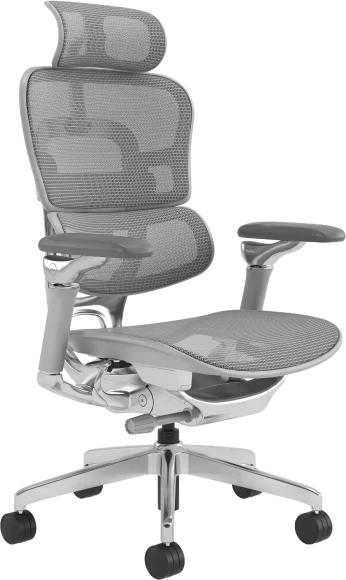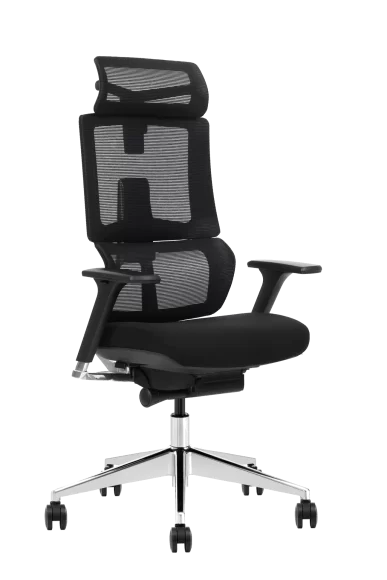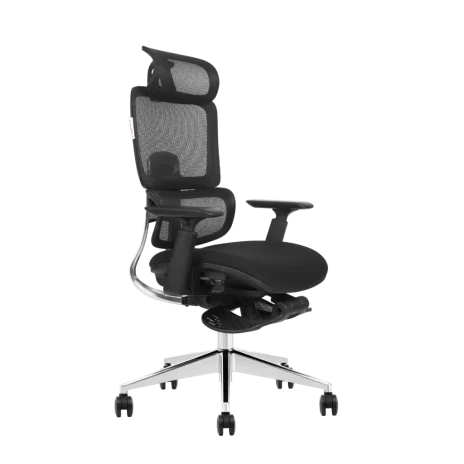
Two variants of the same office chair can share a seat and back but require different armrests, screws, and carton labels. A mixed-model order stays manageable when each configuration has its own order line and that identity survives cutting, sewing, assembly, and packing. VASEAT uses batch carts, traveling work orders, and scans to keep similar-looking variants apart.
Build the Order by Variant
Start with one line per configuration. Include the model, quantity, upholstery code, frame or base finish, mechanism, and options such as arms or headrests. Add the hardware kit and carton marking wherever a difference matters at packing. A sales description such as “gray mesh chair” leaves the factory to infer which parts and label to use.
The two lines below are an illustrative example of how to separate variants. The codes and quantities are examples for a buyer’s order sheet.
| Order line | Configuration | Distinction to carry into packing |
|---|---|---|
| A01 · 60 chairs | Model A, black mesh, adjustable arms, standard tilt mechanism | Hardware kit for adjustable arms and carton mark A01. |
| A02 · 40 chairs | Model A, gray mesh, fixed arms, standard tilt mechanism | Hardware kit for fixed arms and carton mark A02. |
On a repeat order, refer to the previously approved configuration or revision. If the buyer switches A02 to an adjustable arm, update the arm choice, corresponding hardware kit, and any affected label reference together. A change to one column can have consequences at several stations.
Separate Batches on the Floor
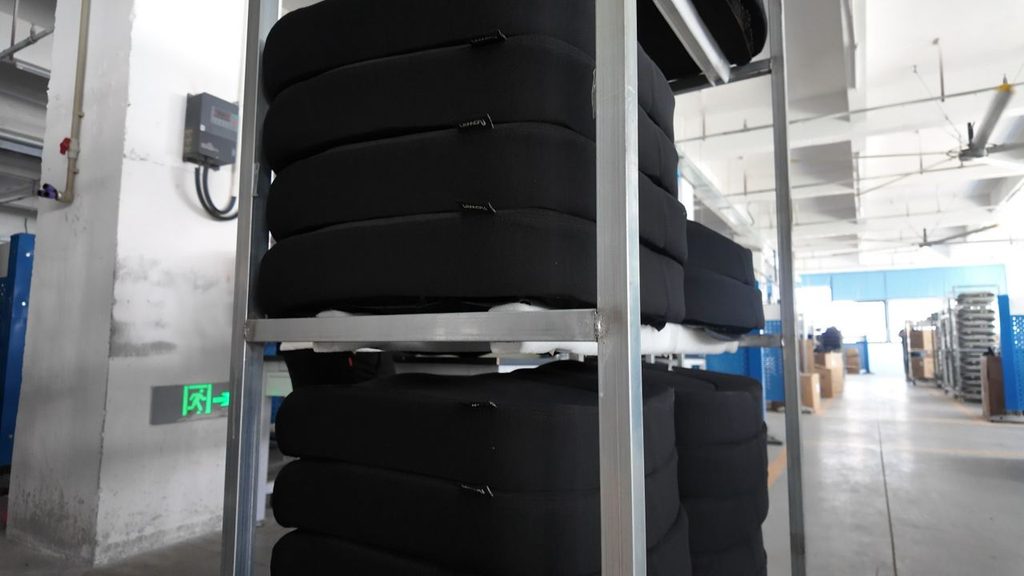
VASEAT moves batches between stations on small carts and racks. Operators can stage the current batch near the workstation while keeping the next batch in its own staging area. That matters when two lots share a sewing or assembly station but use different mesh colors or fittings.
A simple check at changeover is to compare the incoming label with the task before opening the next set of parts. In the example above, the gray upholstery and fixed-arm hardware can follow separate preparation paths. Both need to arrive under A02 when the components come together.
Follow the Traveling Work Order
VASEAT operators scan a work-order label with a phone to receive a production task. The label stays with the work as the batch moves. The order and batch identify the physical work, while the assigned operation tells the station what to do with it. Available system records give supervisors a way to check the handoff later.
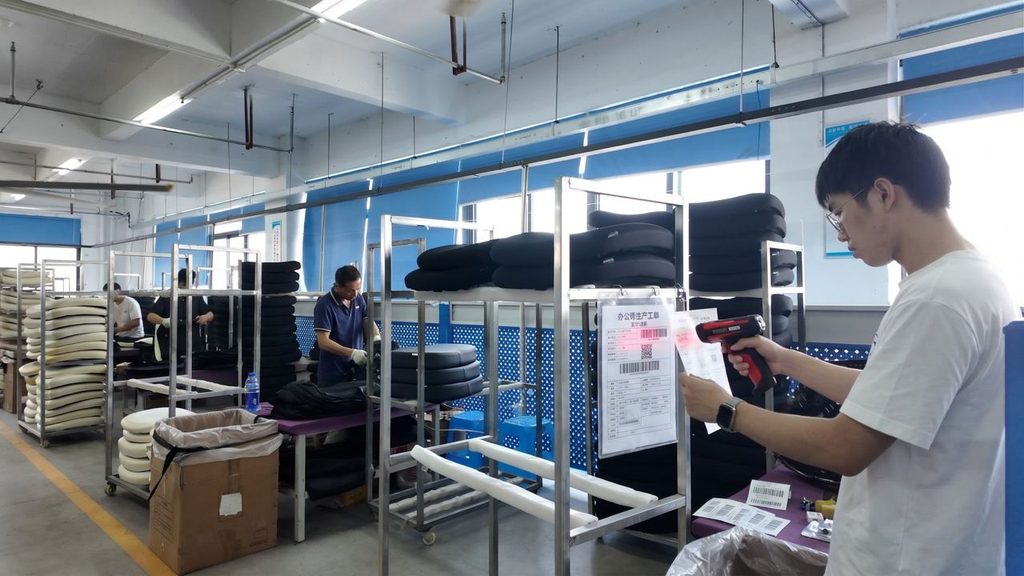
Suppose assembly finds a fixed arm on a black chair from A01. The label gives the team a batch to set aside and an order line to compare against. The team can then review the parts staged for that batch and the available operation records. How far a review can go depends on which scans and labels were recorded for that job.
Reconcile the Pack by Line
Before cartons enter the line, VASEAT stages the components for the order and checks them against the relevant parts list. A first packed carton gives the team a reference for placement and protection. If variants use different arms, headrests, mechanisms, or cartons, compare the first packs for the affected configurations before repeating the layout.
At receiving, carton markings should let the warehouse count each configuration against the packing list. For a project with delivery by floor or location, agree those markings before production so the packing list and the labels use the same identifiers.
If several models will share a shipment, confirm the quantity per model, carton count, and dimensions for each line. Mixed-model production keeps specifications separate inside the factory. Mixed-container loading brings those lines together for delivery. VASEAT’s supplier page explains how order quantities and configurations are confirmed.
Send a configuration sheet with one row per variant, and approve any revised options before release. The same identifiers can then guide production, packing, and receiving.