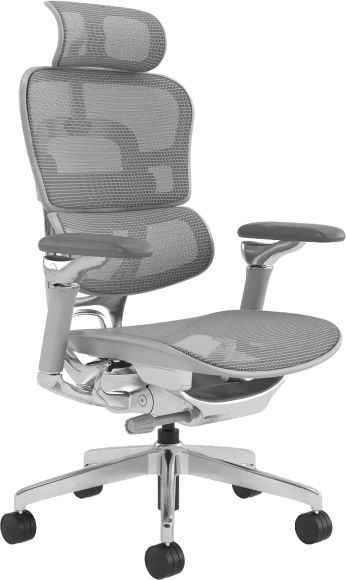
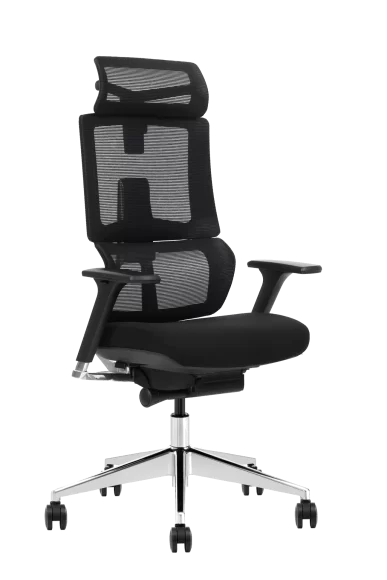
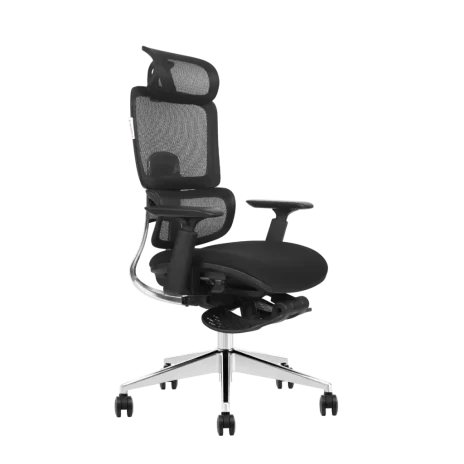
A good ergonomic chair is defined by fit and adjustability, not by price or the number of controls. It should let you sit with your feet supported, your lower back in contact with the backrest, and your shoulders relaxed — and it should adjust to your body, not force your body to adapt to it. Key features like adjustable seat height, seat depth, lumbar support and armrests are what separate a genuinely ergonomic chair from a standard one. For businesses sourcing wholesale desk chairs, the same criteria apply at scale.
This guide turns the decision into clear checks you can use in minutes: when you actually need an ergonomic chair, the features worth paying for, the structural quality points most buyers miss, and the mistakes that lead to uncomfortable purchases.
When Do You Need an Ergonomic Chair?
Consider upgrading to an ergonomic chair if any of these apply to you:
- Long working hours. You sit in front of a computer for six or more hours a day, where small fit problems compound into real discomfort.
- Recurring discomfort. You often feel pain in your back, neck or shoulders. Poor posture and an unsupportive chair are common contributors.
- Body size outside the average. A standard chair rarely fits very tall or short users. An adjustable chair adapts across a much wider range of body types.
- Shared or changing workstations. If several people use the same seat, wide adjustment ranges are what make one chair work for everyone.

A 60-Second Fit Test Before You Buy
Use this quick test to eliminate chairs that look good but will not fit you.
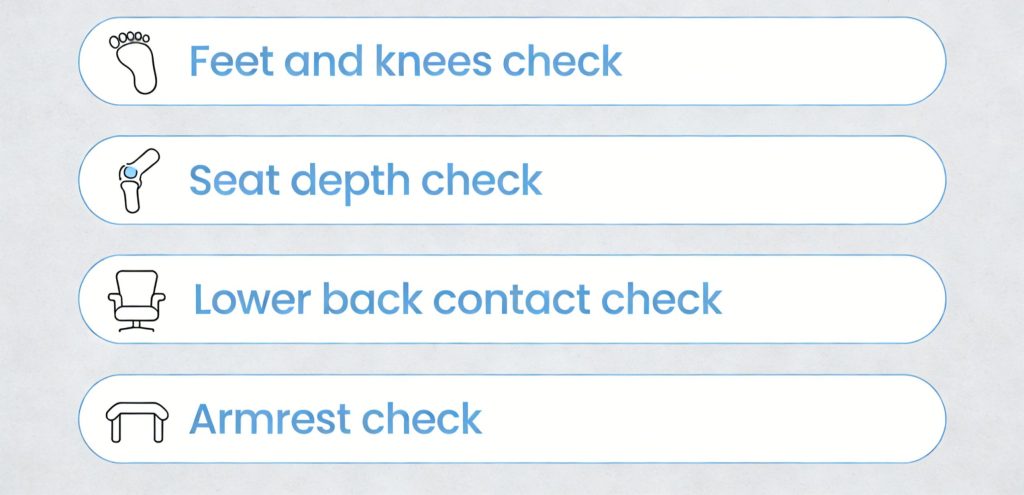
- Feet and knees check. Sit all the way back. Your feet should be flat on the floor and your knees level with or slightly lower than your hips.
- Seat depth check. You should have a small gap between the front edge of the seat and the back of your knees. If the seat presses into the back of your legs, it is too deep.
- Lower back contact check. The chair should support the natural curve of your lower back without forcing you forward.
- Armrest check. Rest your forearms while keeping shoulders relaxed. If your shoulders lift, the armrests are too high. If they stop you from getting close to the desk, they are too wide or poorly shaped.
If a chair fails any two checks, keep shopping. It will not magically become a good fit later.
Ergonomic Chair Features to Look For
1. Adjustable Seat Height
Seat height is the foundation of a comfortable setup. Most users are comfortable with a seat between 16 and 21 inches (40–53 cm) from the floor, which suits a standard desk. Check that the range allows your feet to sit flat on the floor, that the chair feels stable at both extremes, and that adjustment is easy while seated. For a step-by-step setup, see our guide to proper office chair height.
2. Seat Width and Depth
A seat width of 17–20 inches suits most users. Depth should let you sit fully back against the backrest with 2–4 inches of clearance behind your knees. If the seat is too deep, you slide forward and lose back support; too short, and you lose thigh support. A seat slide adjustment is valuable when multiple people share the chair. Read more in Seat Depth Explained.
3. Lumbar Support That Fits Your Lower Back
Your lower back naturally curves inward, and good lumbar support fills the gap between your lower back and the backrest so you do not collapse into a slouch. Look for adjustable lumbar height rather than just firmness, support that feels present but not aggressive, and consistent contact when you sit back fully. A fixed lumbar curve is acceptable only if it happens to sit exactly where your back needs it.
4. Backrest Recline and Tilt Tension
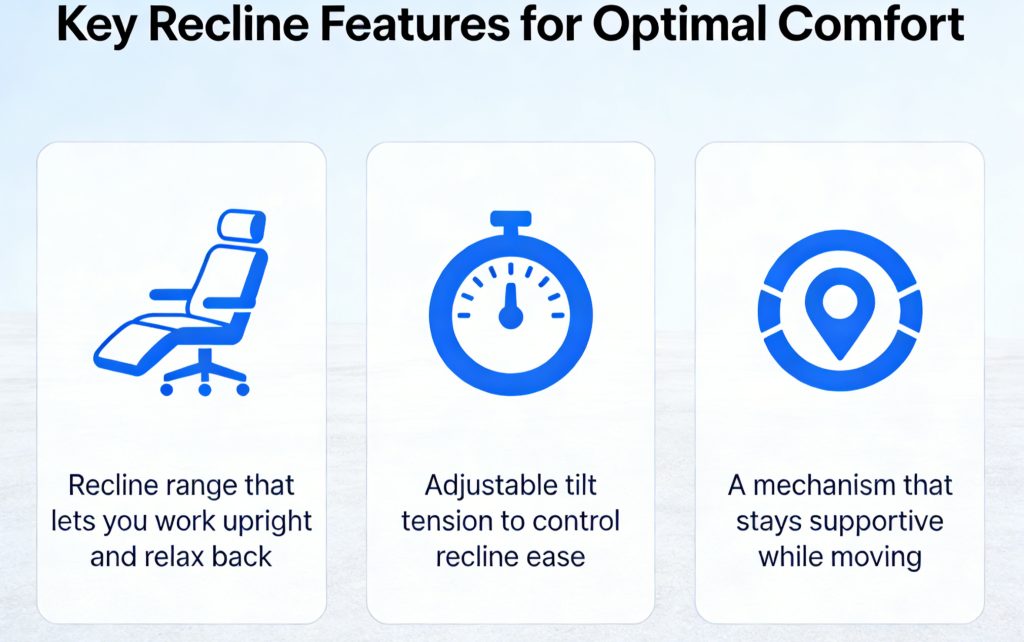
Static sitting increases load on the spine over time, and recline lets you change posture without losing support. Research from Cornell University recommends a reclined working angle of around 100 to 110 degrees. Recline range is only half the story: tilt tension is what makes recline usable for your body weight. Look for tension that can be dialed in, smooth movement without sudden tipping, and a lock option for focused upright work.
5. Armrests: Fixed, 2D, 3D or 4D
Armrests ease upper-body stress and help your shoulders stay relaxed — but only if they adjust to your desk and arm length. Office chair armrests fall into four main types:
- PP fixed armrests. Polypropylene arms that cannot be adjusted. They provide basic support at the lowest cost.
- 2D armrests. Adjustable in height and horizontally, accommodating different arm lengths and habits.
- 3D armrests. Adjustable in height, width and depth for more complete arm and shoulder support.
- 4D armrests. Add angle adjustment on top of 3D, allowing precise positioning for different working states.
Should you buy a chair with or without armrests? For short sessions or very tight desk clearance, no armrests can work. For full-time typing work, height-adjustable armrests are worth it — as long as they still let you pull close to the desk. For users who want maximum adjustability, VASEAT builds models up to an 8D armrest chair, alongside a full range of office chairs with adjustable arms.
6. Headrest
A headrest supports the neck during recline and rest breaks. Ideally it should adjust in both height and angle to suit different users and sitting positions. Browse office chairs with headrests if neck support is a priority.
7. Seat Cushion Support That Holds Up for Hours
A seat can feel great in the first five minutes and still be painful after five hours. Look for medium-firm support that rebounds instead of flattening, even pressure distribution, and a waterfall-style front edge that reduces pressure under the thighs. Avoid overly soft seats that bottom out — they encourage slouching and increase fatigue.
8. Breathable Materials
Heat buildup is a silent comfort killer: many people shift and slouch simply because they are hot. A mesh back provides airflow in warm rooms, while a breathable fabric seat supports long sessions without trapping heat. For a full comparison of mesh, fabric, leather and PU, see our office chair materials guide.
9. Stable Base and Casters That Match Your Floor
A chair that wobbles or rolls unpredictably makes you brace with your body, which increases tension. Check for a five-point base, casters designed for your floor type, and smooth rolling without drift. The wrong casters can ruin an otherwise good chair on carpet or hard floors.
10. Gas Lift Class and Structural Quality
The components you cannot see often determine how long a chair lasts. Gas lift cylinders are graded by class, and Class 3 or Class 4 cylinders are the appropriate choice for daily office use. The tilt mechanism should use reinforced stamped steel, and the stated weight rating should match the actual user — not the average buyer. To understand what those ratings really mean, read our guide to office chair weight capacity, and see how VASEAT engineers and tests its chair mechanisms. For commercial orders, ask whether the model has been tested to ANSI/BIFMA X5.1 or EN 1335 and request the report details.
Feature Priority: What Matters Most for Your Situation
| Your situation | Prioritize these features | Avoid this mistake |
| 6–10 hours daily sitting | Adjustable lumbar, seat depth, tilt tension, breathable back | Choosing a very soft seat with weak support |
| Under 3 hours per day | Reliable height adjustment, basic lumbar support, stable base | Paying for complex controls you will not use |
| Warm climate or hot office | Mesh back, breathable seat fabric | Choosing surfaces that trap heat |
| Tight desk clearance | Adjustable or low-profile armrests | Fixed arms that block you from sitting close |
| Shared workstations | Wide-range seat height and seat depth adjustment | Buying a single-size chair that fits no one |
| Heavier users or intensive shift use | Class 4 gas lift, verified weight capacity, reinforced mechanism | Trusting a marketing number with no test report |
Common Mistakes When Buying an Office Chair
Most discomfort comes from fit problems, not from “bad products.”
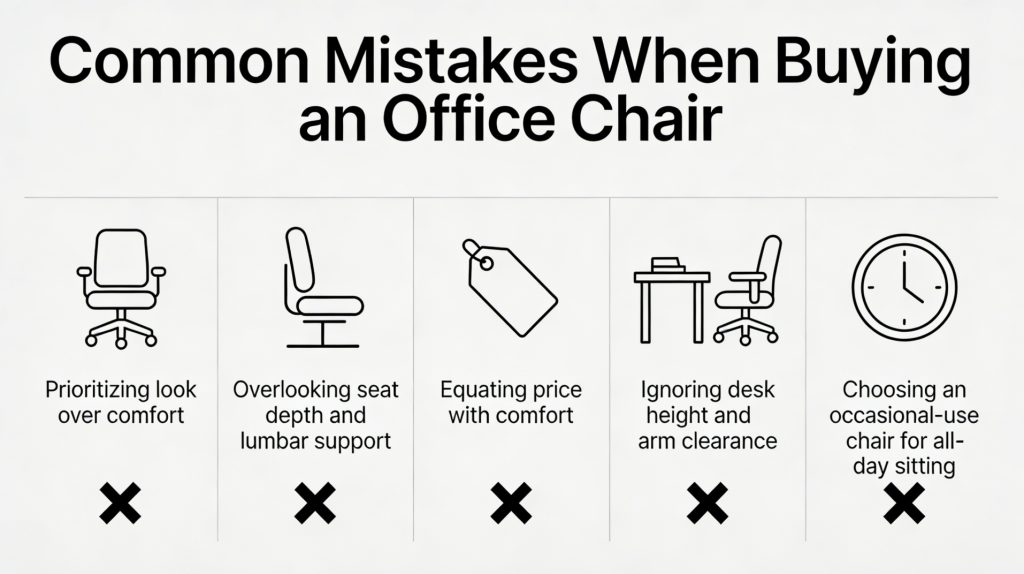
- Choosing appearance over adjustability
- Ignoring seat depth and lumbar placement
- Assuming price automatically equals comfort
- Buying without considering desk height and arm clearance
- Selecting a chair for occasional use when you actually sit all day
Once you have the right chair, setup matters just as much — see our step-by-step guide to the best way to sit on an office chair for adjusting it correctly.
FAQs About Choosing an Ergonomic Chair
What makes a chair ergonomic?
An ergonomic chair adjusts to fit the user’s body: at minimum, adjustable seat height, effective lumbar support and a supportive recline. More advanced models add seat depth adjustment, 3D or 4D armrests and adjustable headrests. A fixed chair with an “ergonomic” shape is not truly ergonomic if it cannot adapt to different bodies.
Do I really need lumbar support?
If you sit for long hours, lumbar support helps you maintain a neutral lower-back position. Adjustable lumbar support is often the safest choice because people differ in height and spinal shape.
What is the most overlooked feature?
Seat depth. If the seat is too deep, you will slide forward and lose proper back support even with a good backrest.
Are armrests optional?
They are optional if they get in the way. They are helpful when they let your shoulders stay relaxed and still allow you to pull close to your desk. For full-time desk work, height-adjustable armrests are usually worth having.
How do I know if a chair is good for long sitting?
If it passes the 60-second fit test and you can maintain a supportive posture while moving between upright work and light recline, it is likely a strong candidate for long sessions.
Conclusion
A good ergonomic chair fits your body, your desk and your working hours. Focus on adjustability, long-session support and structural quality rather than feature counts — the best chair is the one that lets you sit with feet supported, lower back supported and shoulders relaxed through the whole day.
VASEAT has manufactured office chairs for over 18 years, supplying distributors, brands and project buyers worldwide. Explore our ergonomic office chair range or contact our team to discuss OEM, ODM and bulk order requirements.